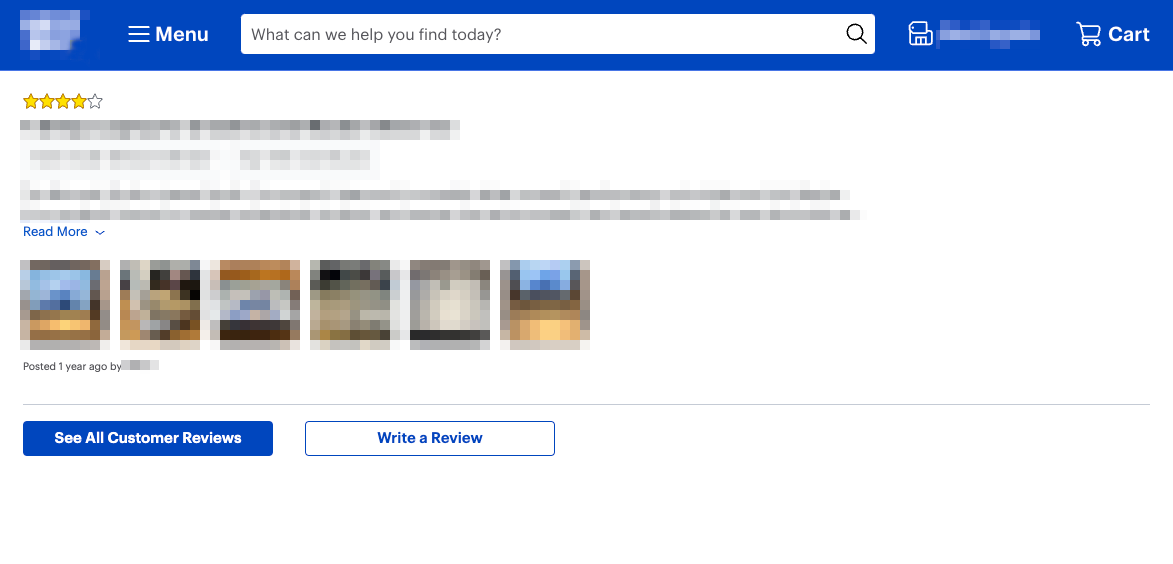
Amazon #
For products you’re selling on Amazon, you have the option to collect product reviews or seller feedback.
*The Starter plan only has the product review option. The Business and Enterprise plan have the option to collect product reviews and seller feedback.
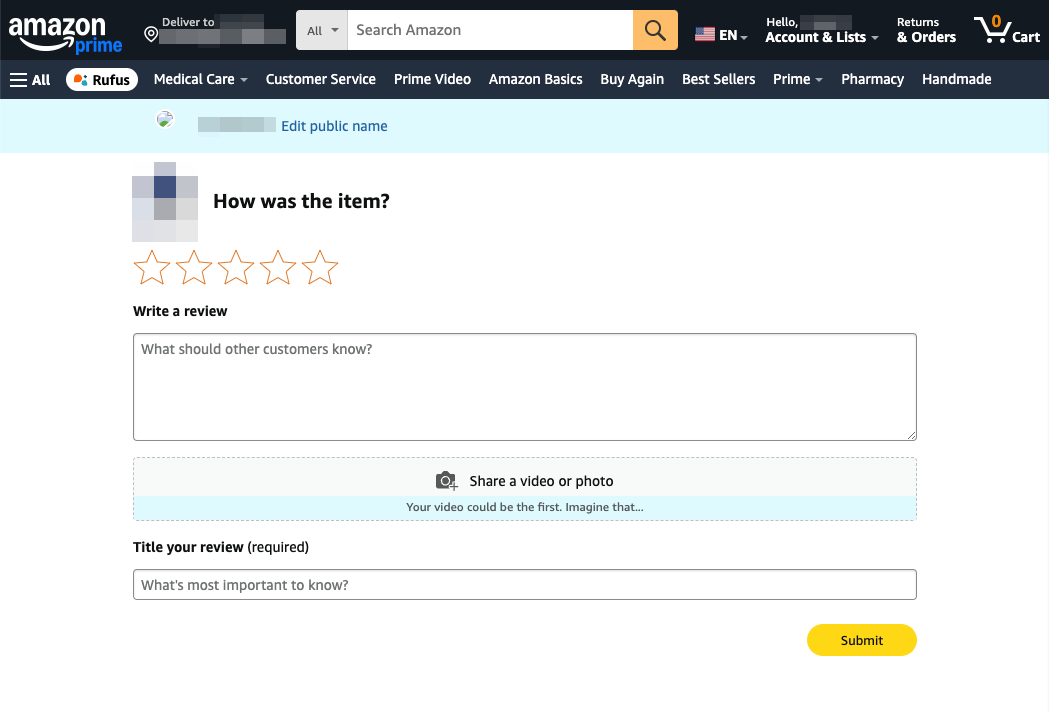
In the campaign settings, campaigns where the Review Type option is set to Product Reviews, shoppers will be redirected to the product detail page as shown below.
In the campaign settings, campaigns where the Review Type option is set to Seller Feedback, due to how the Amazon platform functions, when your customers are redirected to leave seller feedback, they are taken to their Order History page where they can click on the Leave Seller Feedback button next to the product, as shown below.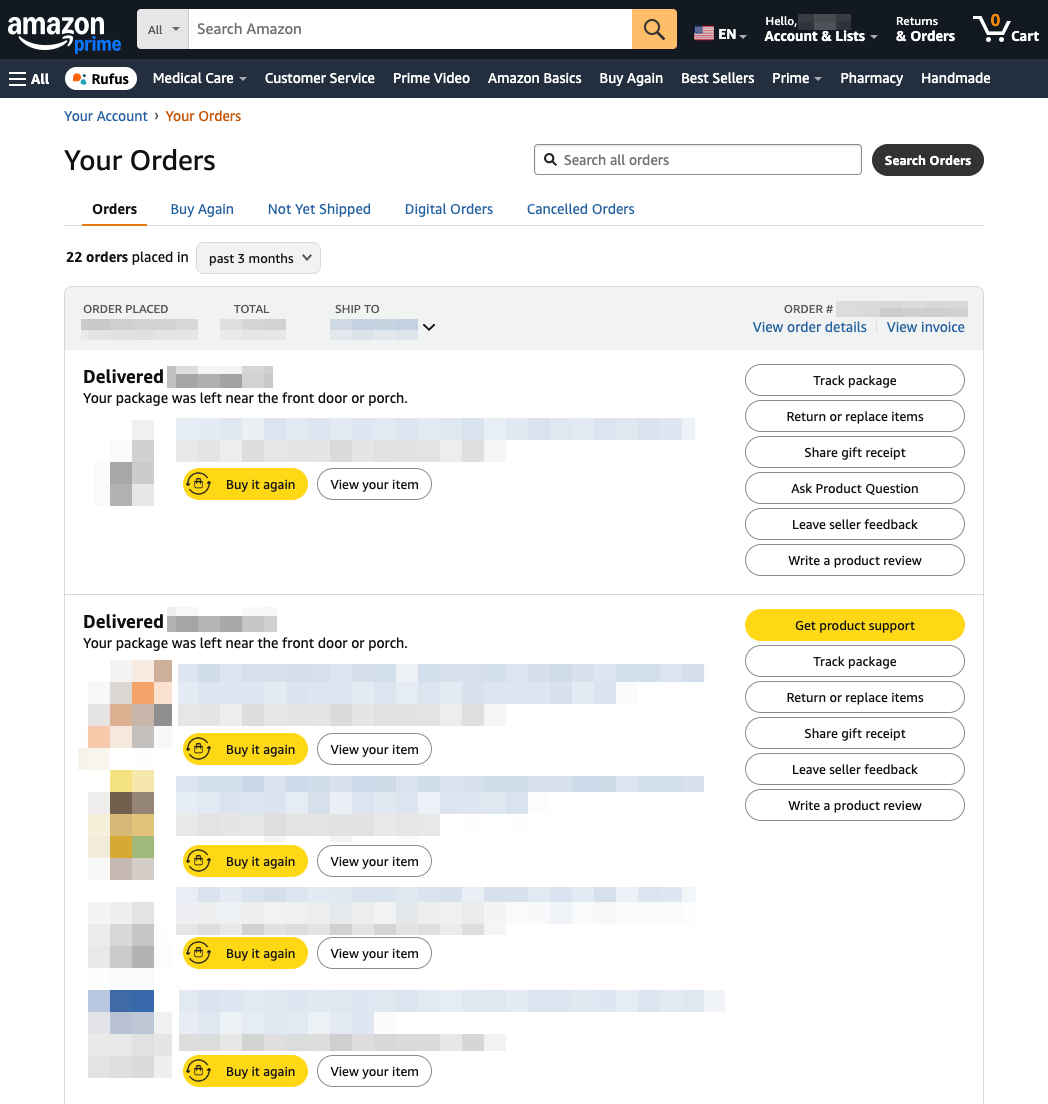
eBay, Walmart & Etsy #
For products sold on eBay, you can collect feedback for the items you’ve sold.
Due to how the eBay platform functions, when your customers are redirected to leave their feedback, they are taken to their purchase history page where they can click on the Leave Feedback button on their purchase as shown below.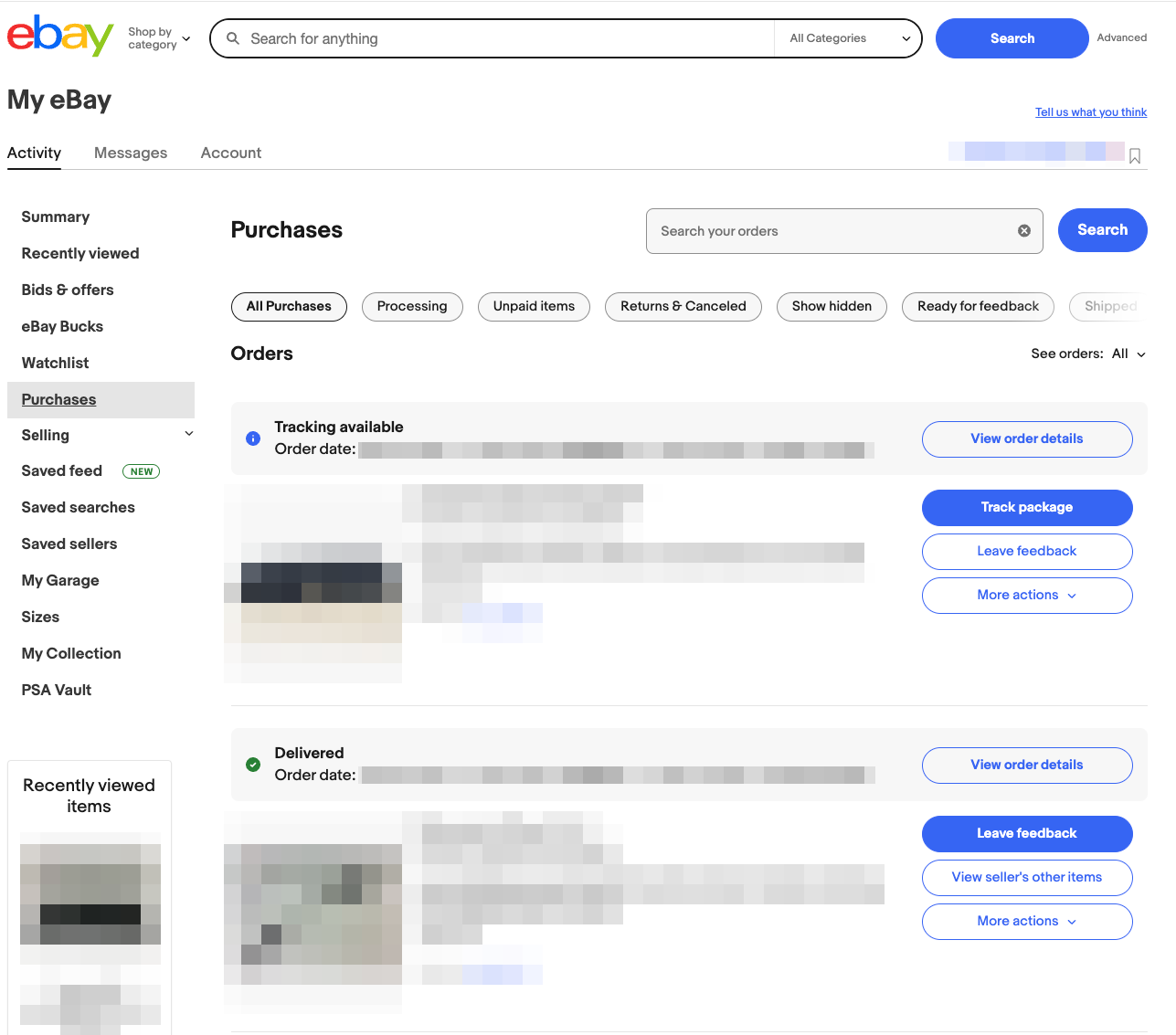
For products sold on Walmart, you can collect reviews for the products you’ve sold.
When your customers are redirected to leave a review, they are taken to your product review page as shown below.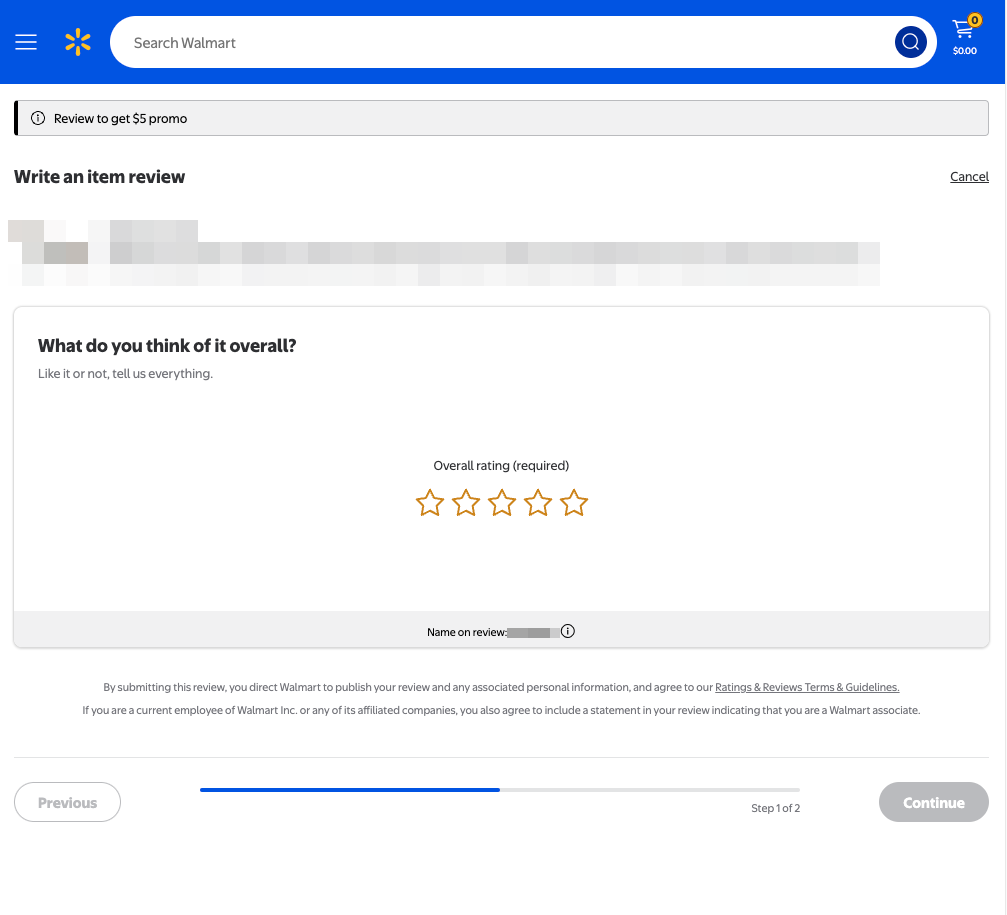
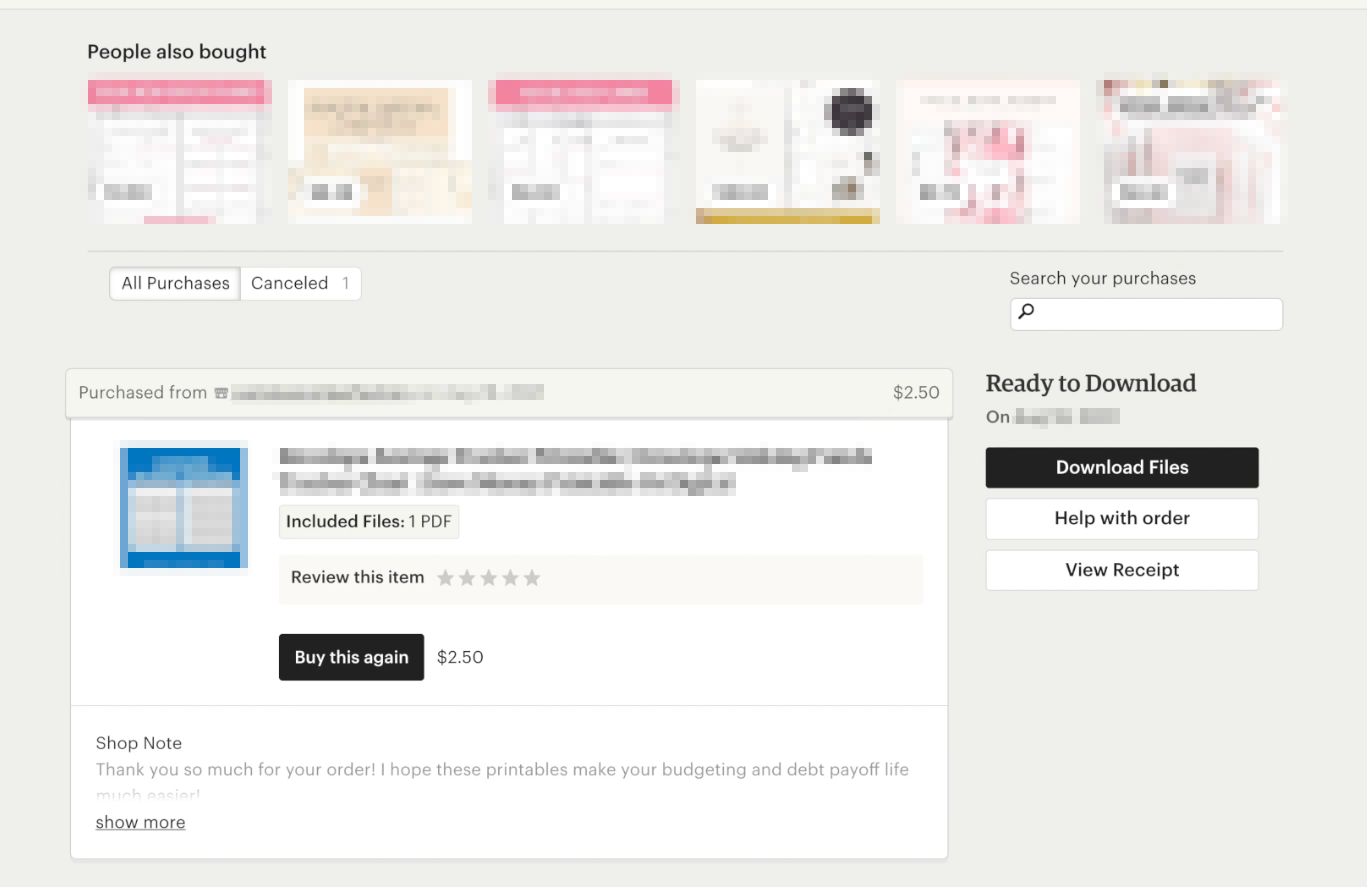
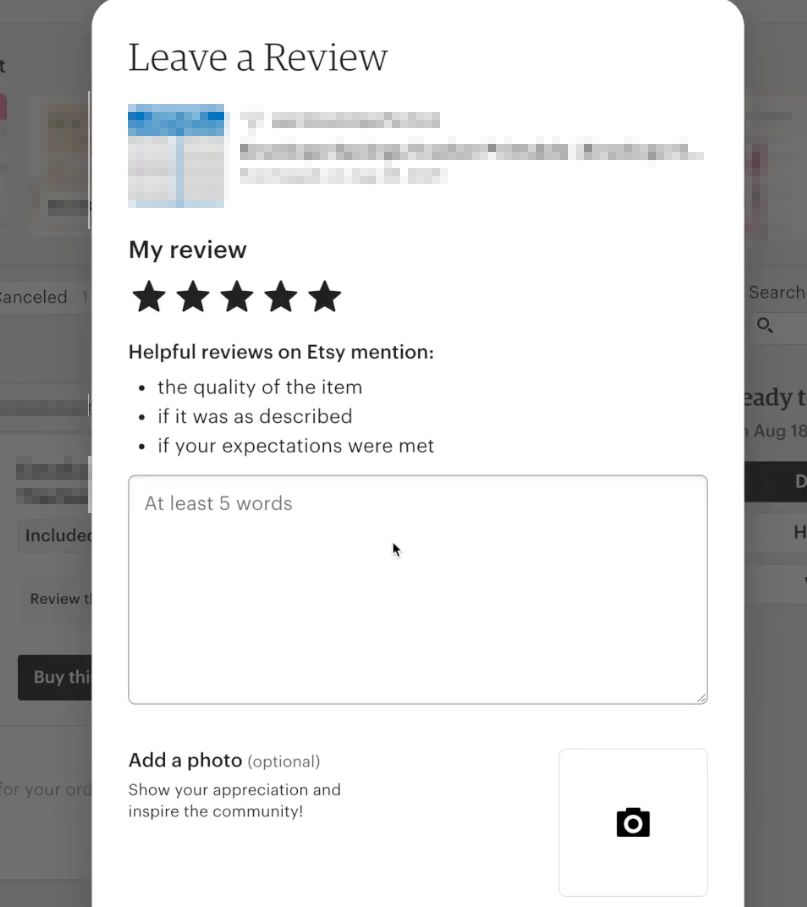
For products sold on Etsy, you can collect reviews for the products you’ve sold.
When your customers are redirected to leave a review, they are taken to their Purchases and Reviews page where they can click on the Leave Review button on their purchase as shown below.
Shopify or Your Personal Webstore #
For products sold on Shopify or your own personal webstore, you can collect reviews for the products you’ve sold.
When your customers are redirected to leave a review, they are taken to the product review page URL of your Shopify store or personal webstore, where they can leave their product review.